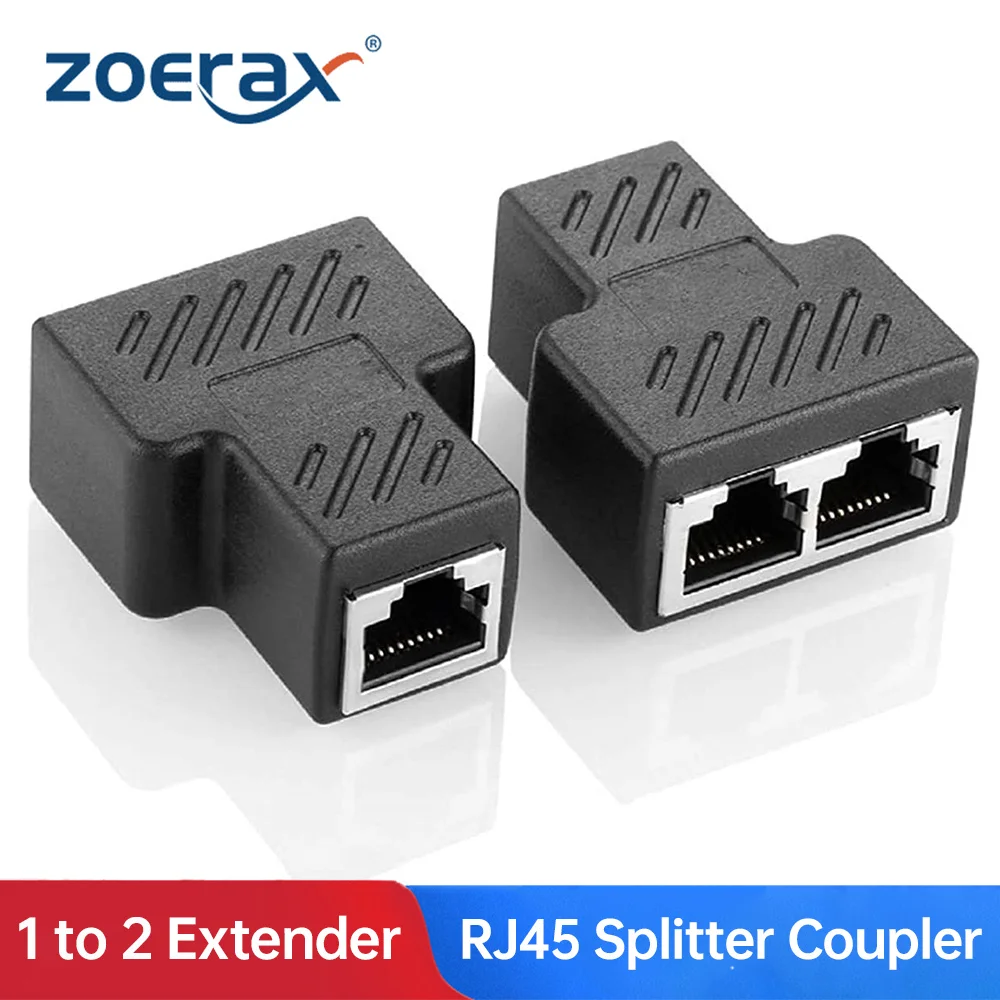
Удлинительный кабель PCIE X8 к X16 для майнинга переходник PCI-e 8x 16x Райзер x99 сервера RTX
7603.99


Новое поступление

Магазина OLOEY Cable Store работает с 11.09.2018. его рейтинг составлет 91.95 баллов из 100. В избранное добавили 60 покупателя. Средний рейтинг торваров продавца 4.7 в продаже представленно 50 наименований товаров, успешно доставлено 352 заказов. 236 покупателей оставили отзывы о продавце.
Характеристики
*Текущая стоимость 910.93 уже могла изменится. Что бы узнать актуальную цену и проверить наличие товара, нажмите "Добавить в корзину"
| Месяц | Минимальная цена | Макс. стоимость | Цена |
|---|---|---|---|
| Mar-18-2026 | 1083.50 руб. | 1137.54 руб. | 1110 руб. |
| Feb-18-2026 | 1074.49 руб. | 1128.5 руб. | 1101 руб. |
| Jan-18-2026 | 901.20 руб. | 946.2 руб. | 923.5 руб. |
| Dec-18-2025 | 1056.1 руб. | 1109.75 руб. | 1082.5 руб. |
| Nov-18-2025 | 919.41 руб. | 965.0 руб. | 942 руб. |
| Oct-18-2025 | 1037.87 руб. | 1089.30 руб. | 1063 руб. |
| Sep-18-2025 | 1028.4 руб. | 1079.21 руб. | 1053.5 руб. |
| Aug-18-2025 | 1019.91 руб. | 1070.29 руб. | 1044.5 руб. |
| Jul-18-2025 | 1010.74 руб. | 1061.29 руб. | 1035.5 руб. |
Описание товара

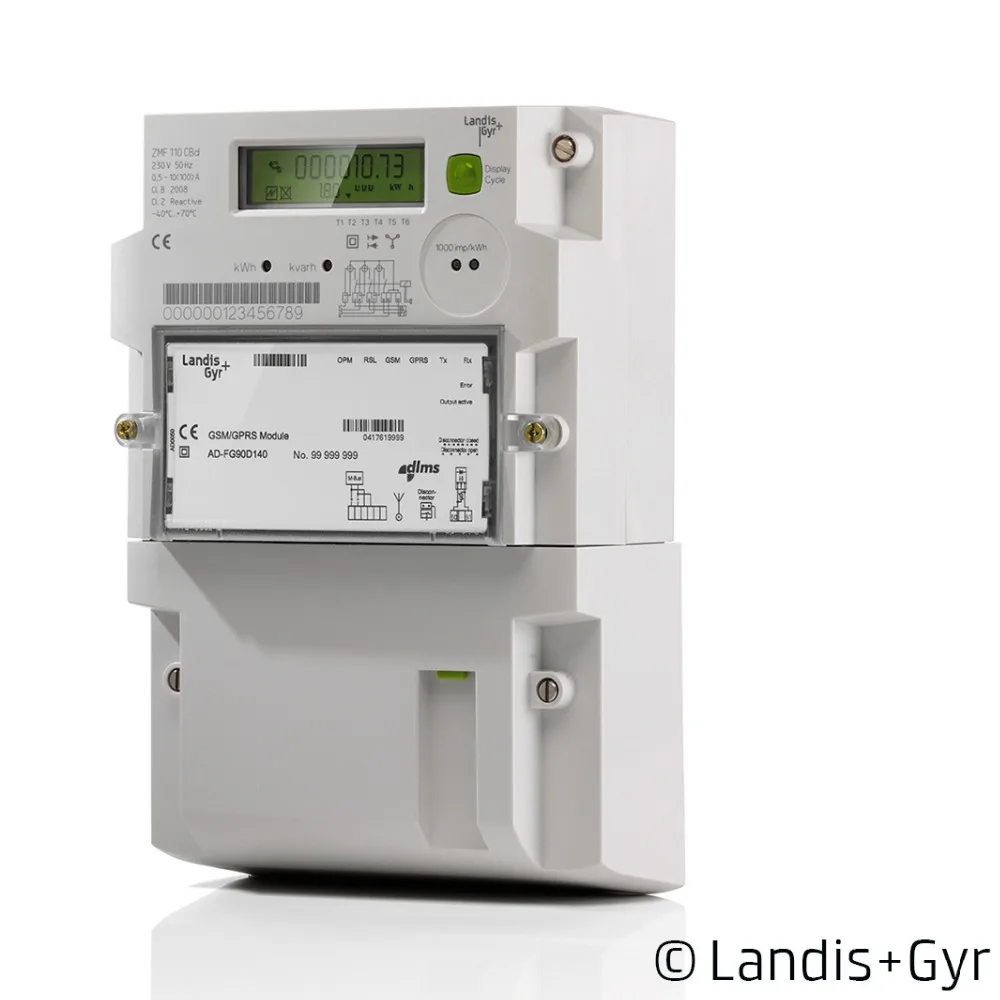
FTDI USB Cable for P1 Port Dutch Slimme Meter Kamstrup 162 382 EN351 Landis Gyr E350 Kaifa MA105 DSMR communication with Domoticz on Raspberry
ftdi ft232r usb ttl 5v to rj11 6p6c Cable for Kamstrup 162 382 EN351 Landis Gyr E350 Kaifa MA105 Iskra ME 382
The P1 port, which is the RJ-11 connection, has the serial protocol where standard IEC-62056-21 is used.
Signal:TTL 5V level chip: ftdi ft232r
this cable is specially for the dutch kaifa smart meter
communication with Domoticz on Raspberry.
ftdi ft232r usb ttl 5v to rj11 6P6C cable
for ISKRA AM550 kaifa ma105 Iskra ME 382 Kamstrup 162 382 en351 Landis + Gyr E350 P1 Port Smart Meter.etc
Schematische voorstelling P1 poort (ESMRv5.0 P1)

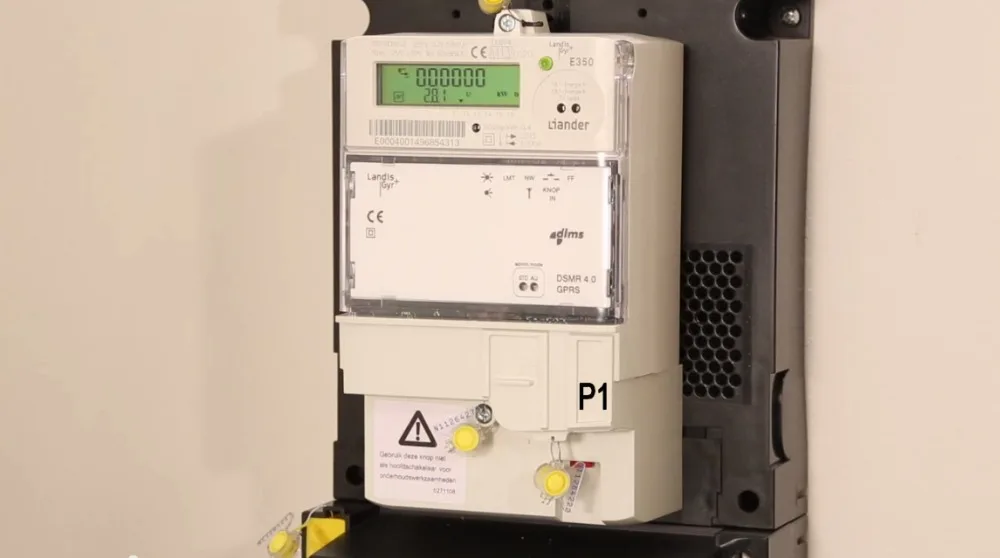
Moving to our new house gave us the advantage of a ‘new’ energy meter for electricity, clean installed with counters starting from zero. Luckely for us they installed a Smart Meter type. These type of meters have a lot of ‘smart’ ports, and one of them is the P1 port. Through this port it is possible to read the data from this meter. The P1 port is working according DSMR-4.0.
Interface
The data from the P1 port is serial data, and is connectable with a RJ-11 connector, and has the following signals:
1 – N/A
2 – RTS
3 – GND
4 – N/A
5 – RxD
6 – N/A
use a OLOEY FTDI Basic Breakout – 5V to convert the serial. And am using it as a serial to USB converter to connect to my small FIT-PC2 server.
The interface should be conncted as follows:
P1.RTS to FTDI.VCC (5V)
P1.GND to FTDI.GND
P1.RxD to FTDI.RxI

NOTE 1: With this type of meter it is important to add a pull-up resistor between VCC and RxD. This is because the electronic of this smart-meter is an open collector connection.
NOTE 2: Because the Smartmeter has 0V for a logical ‘1’ and a +5V for a logical ‘0’, we need to invert the data signal, RxD. This can be done hardwarematically, but an easier solution in this case is in the SparkFun FTDI itself! This should be done with the program FT_Prog.
Please be kind to read the following information before you buying this cable,
Pinout – P1-poort – Kamstrup 162, 382 en 351
1 RTS (Request to Send)
2 GND (Ground)
3 NC (Not Connected)
4 TxD (Transmit data)

Smart Meter
Description
DomotiGa support reading telegrams from Dutch Smart Meters. A Dutch Smart Meter (using the NTA8130 standard) has a data-port (also called P1) on which it dumps the data from connected utility meters every 10 seconds (DSMR 4 and older) or every 1 second (DSMR 5). Not only electricity usage but also other connected meters (through MBus) like Gas, Heating, Cooling, Water.
Also power generated from Sun/Wind which is delivered back to the net by the client is logged.
Requirements
Smart Meter support has the following requirements:
P1 (RJ11) connected via serial cable
Supported DSMR Versions
The following DSMR version have been successfully validated with DomotiGa:
DSMR Version Status Default Speed*
2.X Not tested 9600 7E1
2.2.X Supported 9600 7E1
3.0 Supported 9600 7E1
4.0.X Supported 115200 8N1
4.2.X Supported 115200 8N1
5.0.X Supported 115200 8N1
The Default Speed is the most common used serialport settings for baudrate, databits, parity and stopbits, but please consult your device manual first. Some vendors use different settings.
Disclaimer: Build and use this at your own risk!
The P1 port is usually present in the form of a RJ11 socket. It's half duplex serial port with TTL level (0-5V) signals, 3 out of 4 pins are connected. The following table shows the RJ11 pin layout, signal description and the optional DB9 pin layout when using a USB to RS232 cable.
RJ11 Pin # Signal DB9 Pin #
2 REQUEST (RTS) 4
3 GROUND (GND) 5
4 NOT CONNECTED (NC) NOT CONNECTED (NC)
5 DATA (RxD) 2
You need to build a special serial cable, you must make sure that the REQUEST pin must be kept HIGH before it starts dumping data.
And the signals are inverted so 0 = 5V and 5V = 0 volt, if you use an FTDI converted (needed to convert levels from 0-5v to -12/+12v) you can tweak it so it will invert the signals for you.
Additional information about FT_Prog [[http://www.ftdichip.com/Support/Utilities.htm]] can be found here: [[http://www.maartendamen.com/2012/04/new-smart-meter-installed-iskra-me382-and-landis-gyr-gasmeter-e06140/]]
DomotiGa stores all info in 3 or more devices (depending on how many connected MBus meters it finds)
Power Usage:
Device with id 36 displays Electricity Usage
It's address is 'P1-PowerUsed' and it displays:
Live power usage (2130Watt), meter readings High and Low tariff, and the current Tariff.
Default the power usage is reported in kWh too, but you can use a calibrate value of 'Value * 1000' to get Watts.
Power delivered:
Device with id 37 displays generated power delivered to the net by the client (Sun/Wind)
It's address is 'P1-PowerDelivered' and it displays:
Live power delivered, meter readings High and Low tariff, and current Tariff.
The power delivered is not converted to Watts here.
Gas usage:
Device with id 35 displays data from Gas meter.
It's address is 'P1-MBus1' because it's connected to the main meter via MBus channel1.
It displays the Gas meter read of last hour (timestamp in value4), the valve position and type of meter (Gas, Heat, Cooling etc)
Смотрите так же другие товары: